
How to Plan a Month of Social Media Content in One Afternoon
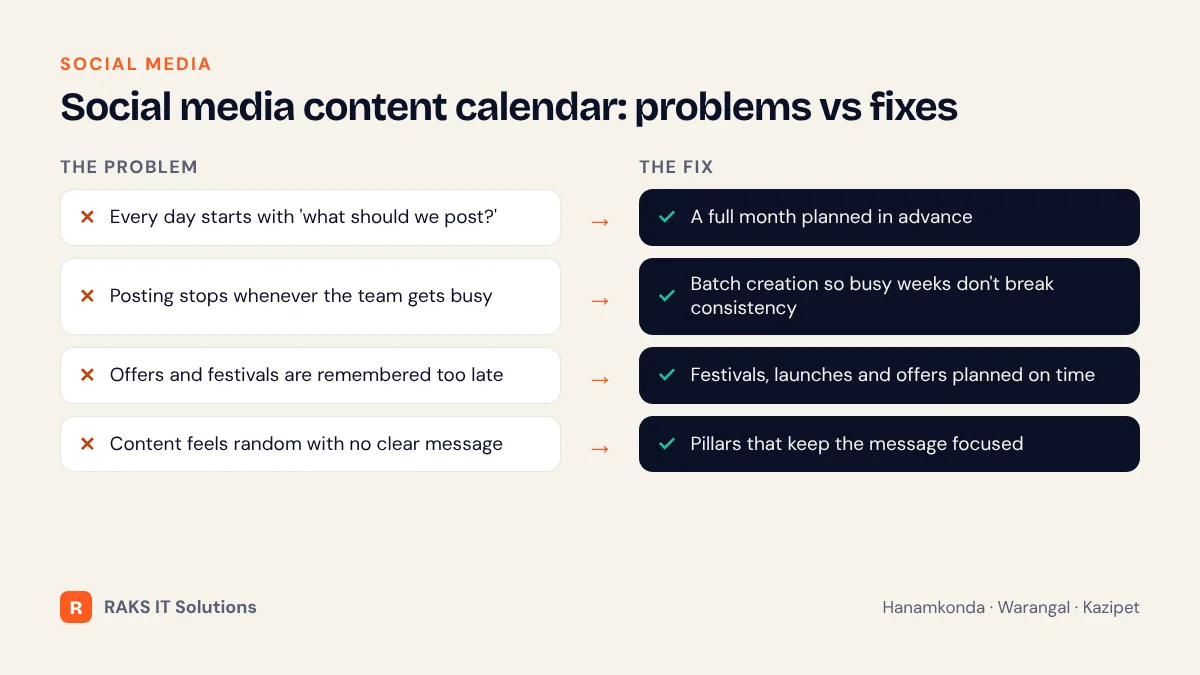
"What should we post today?" is the question that kills consistency. A monthly content calendar answers it in advance.

Consistency is one of the strongest drivers of social media growth, and the hardest to maintain. Not because businesses lack ideas, but because they try to come up with them every single day.
A content calendar fixes that.
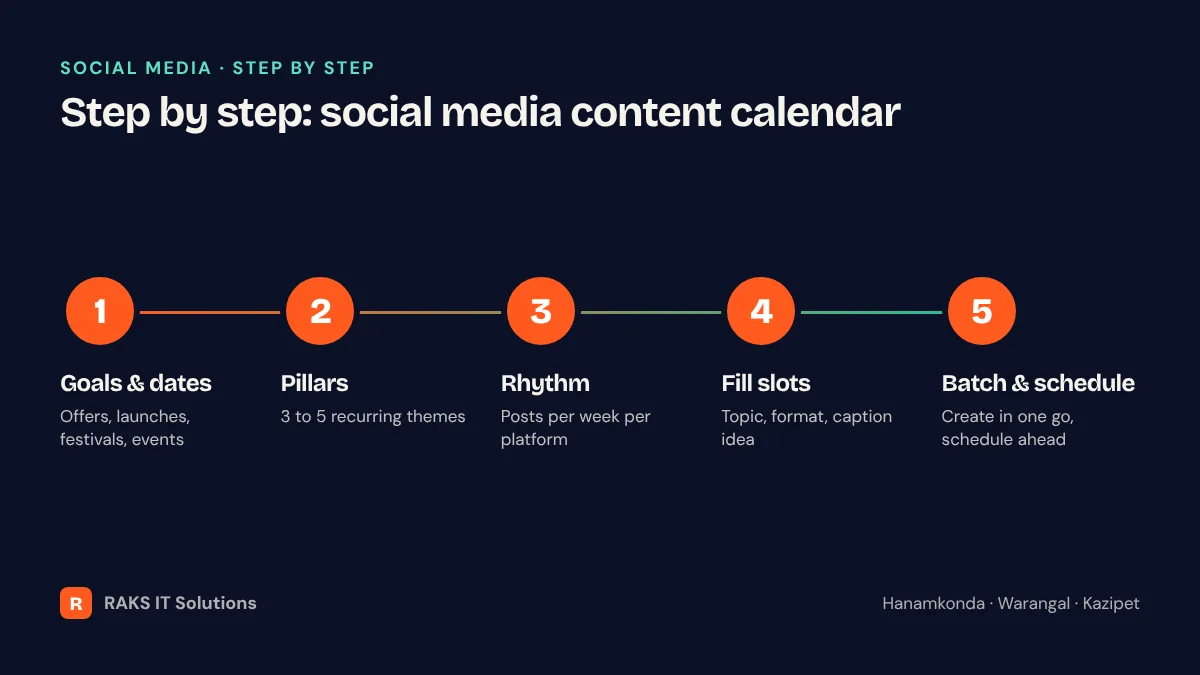
Step 1: Start with the month's goals and dates
Before topics, list what's happening:
- Offers, launches or new services.
- Festivals and occasions relevant to your audience (Sankranti, Bathukamma, Diwali, exam season, wedding season).
- Events, workshops or camps you're running.
- Business goals: more bookings for a service, a new branch, recruitment.
These become the anchor points of your calendar.
Step 2: Choose your content pillars
Pick three to five recurring themes. A typical mix:
- Educate: tips, how-tos, myths, FAQs.
- Prove: reviews, results, case studies, before and after.
- Connect: team, behind the scenes, your story, values.
- Promote: services, offers, events.
- Engage: polls, questions, local news, festival greetings.
A useful rule: most of your posts should give value; a smaller share should directly sell.
Step 3: Set your rhythm
Decide realistically:
- Instagram: e.g. 2 reels, 1 carousel, 1 single post a week, plus stories most days.
- Facebook: share the same content adapted, plus community posts.
- YouTube or LinkedIn if relevant to your audience.
It's better to post three times a week for six months than daily for three weeks.
Step 4: Fill the calendar
Open a spreadsheet with columns for date, platform, pillar, topic, format, call to action and status. Fill the anchor dates first, then distribute pillars across the remaining slots.
Example week for a coaching centre:
- Monday (Educate, reel): "3 mistakes in the last month before exams."
- Wednesday (Prove, carousel): last year's toppers and their study routines.
- Friday (Connect, reel): a day with our maths faculty.
- Saturday (Promote, post): free demo class on Sunday.
- Daily stories: polls, timetable reminders, classroom moments.
Step 5: Batch-create and schedule
Shoot all videos in one or two sessions, design graphics together and write captions in one sitting. Schedule posts with Meta Business Suite or another tool. Batching saves hours and keeps quality consistent.
Step 6: Review and improve
At month end, check which posts brought the most reach, saves, profile visits and messages. Carry the winning topics and formats into next month's plan.
Keep space for real moments
Leave about a quarter of your slots open for timely content: a happy customer, local news, a trend that fits your brand, an unexpected event. Planning gives structure; flexibility keeps you human.
The bottom line
One focused afternoon of planning saves dozens of daily decisions and keeps your page active even in busy weeks. That consistency is what builds recognition and enquiries over time. If you'd like it done for you, see our social media management in Hanamkonda.

